Unlock Better Visuals with AI-Powered Prompt Crafting
Why Visuals Matter for SEO and Marketing
In today’s digital landscape, eye-catching imagery can make or break your content strategy. Whether it’s a blog header that keeps readers scrolling or a social media graphic that stops thumbs in their tracks, high-quality visuals are non-negotiable. But creating them with AI tools like Midjourney or Stable Diffusion often feels like cracking a code—until now.
Simplify Image Creation with Smart Tools
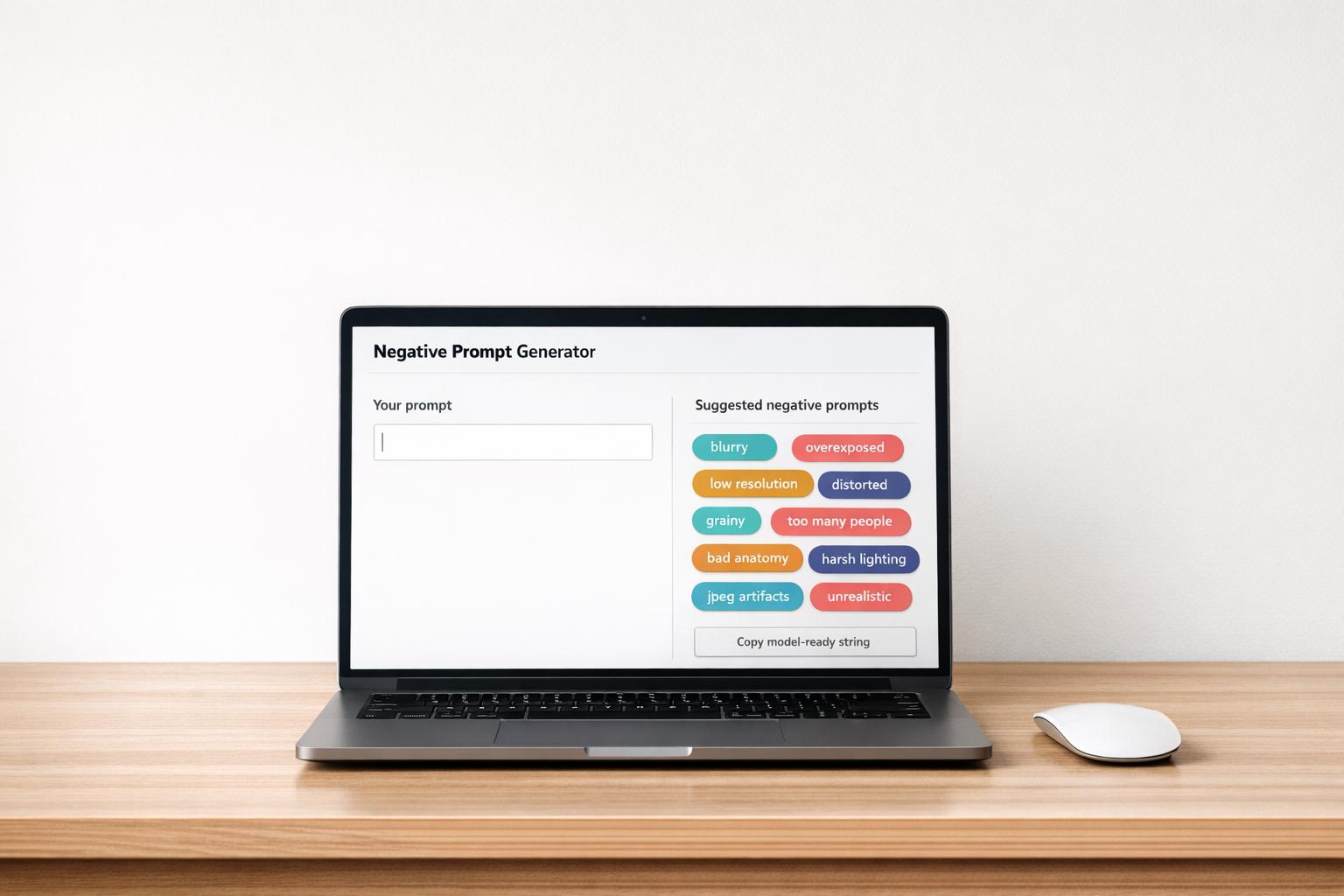
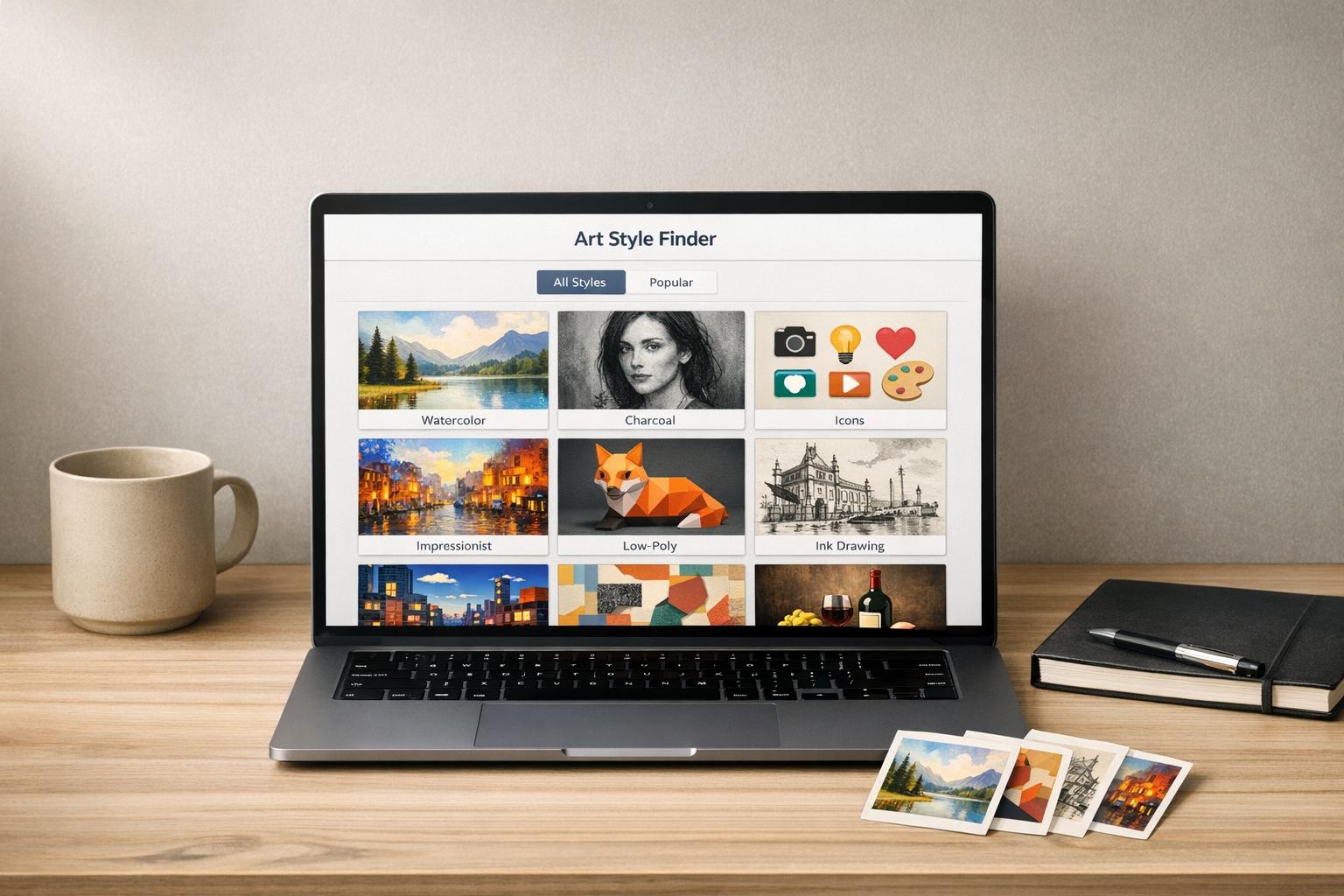
Enter the world of streamlined content creation with a utility that transforms your ideas into polished, platform-ready instructions. A solution like an AI-driven prompt builder takes the guesswork out of generating graphics for your web pages or campaigns. Pick your settings, tweak a few sliders, and get a custom string that ensures your output matches your vision, saving both time and resources.
Boost Engagement with Tailored Graphics
Great visuals aren’t just pretty—they’re powerful tools for engagement. By fine-tuning parameters for specific use cases, such as e-commerce shots or editorial headers, you’re setting up your content to perform better in search rankings and on social feeds. With the right approach, crafting stunning imagery becomes a breeze, letting you focus on growing your audience.
FAQs
How does this tool save me time with AI image generation?
Instead of guessing at syntax or burning through credits on dud outputs, this optimizer builds the perfect prompt for you. Whether you’re tweaking aspect ratios or setting stylization levels, every choice translates into a technical string that works. You’ll spend less time troubleshooting and more time creating visuals that grab attention for your blog or social campaigns.
Can I use this for both Midjourney and Stable Diffusion?
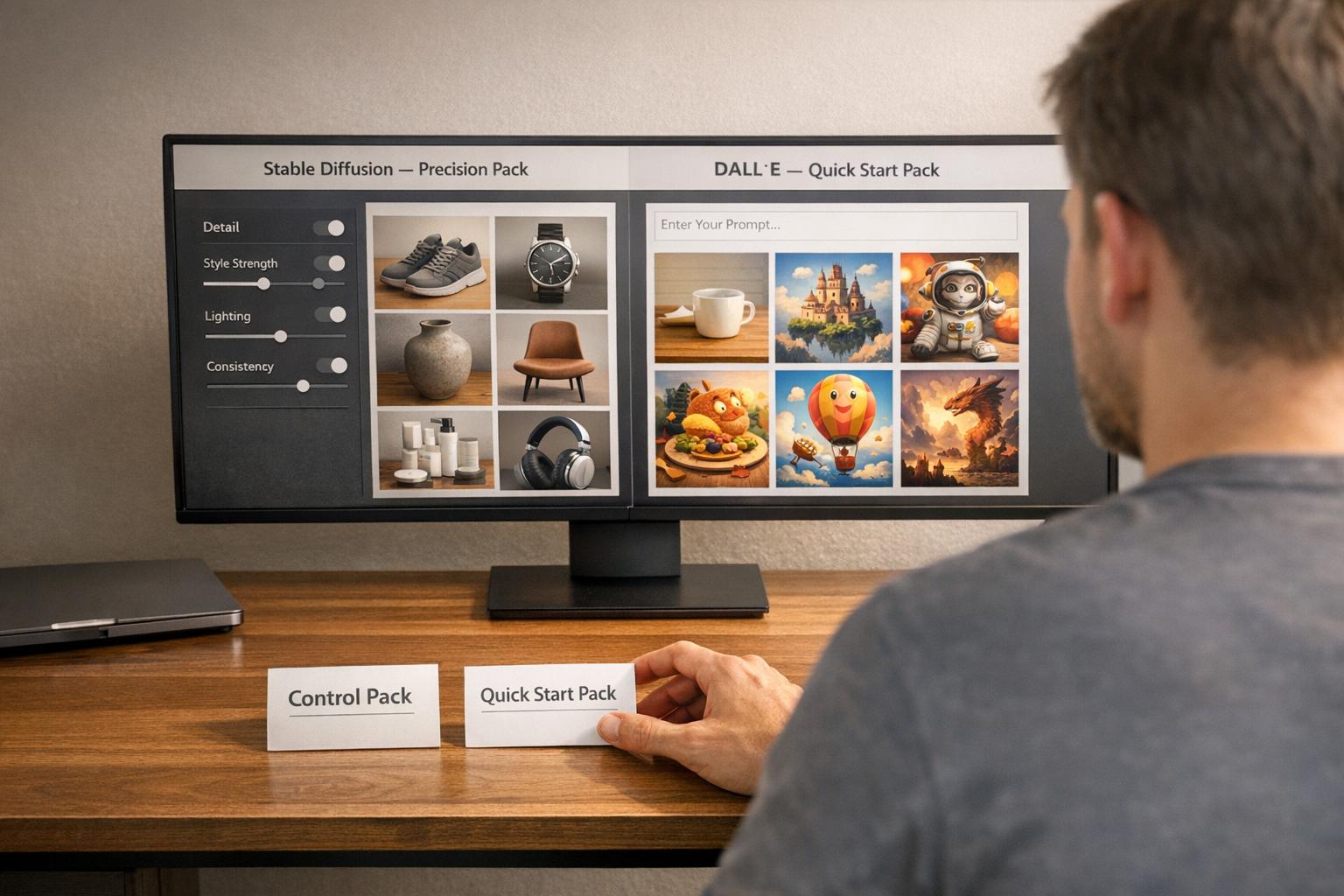
Absolutely! The model selector lets you switch between Midjourney and Stable Diffusion logic with one click. Each setting—like aspect ratio or quality—adjusts to the specific syntax of your chosen platform. It’s built to keep things seamless, so you don’t have to memorize different flag formats or parameter quirks.
What if I’m new to AI image tools and don’t know the terms?
No worries at all! This tool is designed for beginners and pros alike. You don’t need to know what ‘--stylize’ or ‘--ar’ means— just pick options like ‘High Quality’ or ‘Social Media Post,’ and the tool handles the technical stuff. It’s user-friendly with scenario presets to guide you toward great results right away.