Boost Your AI Art with a Negative Prompt Generator
Creating stunning visuals with AI tools like Midjourney or Stable Diffusion is a game-changer for artists and businesses alike. But let’s be real—those odd artifacts, like distorted hands or unwanted watermarks, can derail your project fast. That’s where a tool for crafting precise negative prompts comes in handy. It’s not just about fixing flaws; it’s about optimizing your workflow and getting polished results without endless retries.
Why Negative Prompts Matter
When you’re deep into prompt engineering, every detail counts. Telling an AI model what not to include is just as critical as defining what you want. A well-designed negative prompt string can eliminate common issues—think low-quality textures or awkward cropping—while reducing wasted GPU cycles. For anyone serious about AI-generated imagery, especially in professional contexts like product shots or fine art, this step is non-negotiable. Our free solution simplifies the process, letting you select specific flaws to avoid and instantly copy a tailored string. Whether you’re refining portraits or perfecting commercial visuals, optimizing AI output has never been easier.
FAQs
Why are negative prompts so important for AI art?
Negative prompts are like a filter for AI image generation. They tell the model what to avoid—think blurry edges, extra fingers, or random text. Without them, you’re rolling the dice on weird artifacts that can ruin a great concept. By using a well-crafted negative prompt, you cut down on trial-and-error and save GPU resources, especially on platforms like Midjourney or Stable Diffusion where compute time adds up.
Can I customize the negative prompts for specific projects?
Absolutely! Our tool lets you mix and match categories like technical glitches or composition errors to fit your needs. Plus, the presets for scenarios like 'Clean Product Photography' give you a solid starting point. If you’ve got a unique issue, just tweak the selections until the output feels right for your vision.
Does this work for both Midjourney and Stable Diffusion?
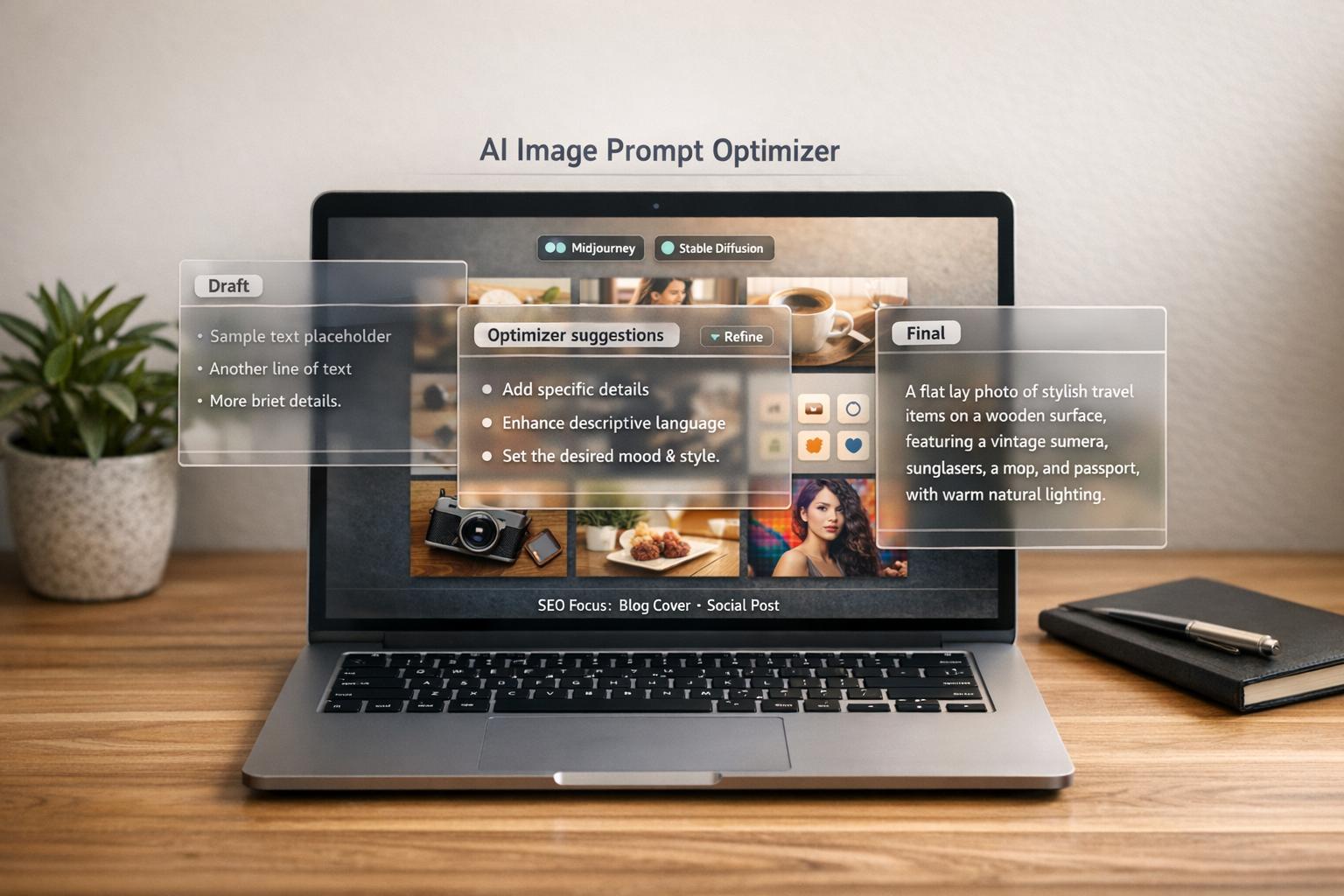
Yes, we’ve got you covered on both. The tool adjusts the format automatically—adding the '--no' prefix for Midjourney or keeping it as a standard string for Stable Diffusion. No need to manually edit anything; just pick your model, build your prompt, and copy it over. It’s built to save you that extra step.