Discover Art Styles for AI Images
Use the AI Art Style Finder to turn a visual idea or reference image into a clearer creative direction. Describe the mood, subject, color palette, or look you want, then use the suggested style terms to shape stronger AI image and video prompts.
Identify a Style and Build a Better Prompt
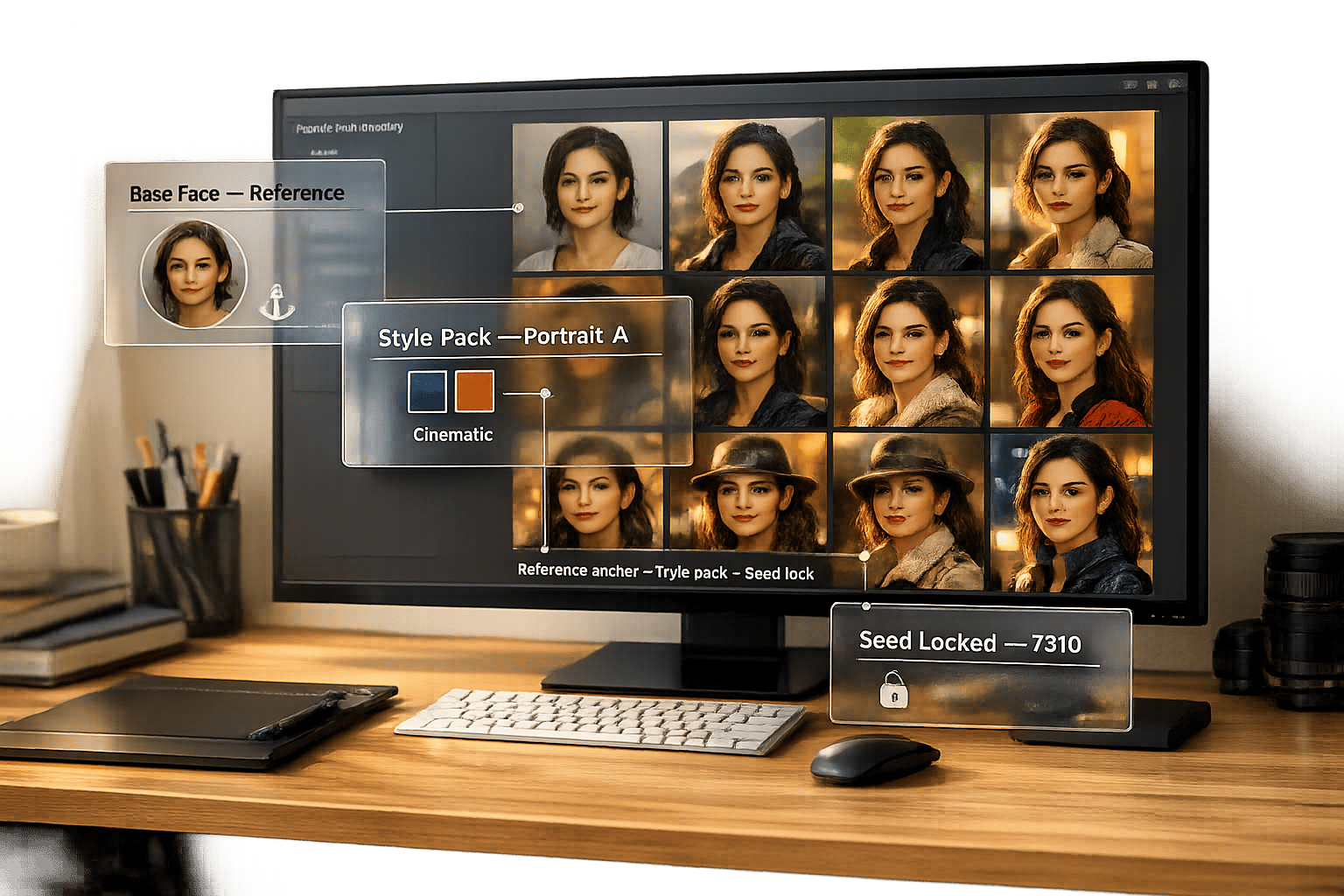
Not sure what to call a look you like? Start with a short description or upload a reference image. The finder helps you explore useful style directions, from photorealistic editorial images and soft watercolor scenes to surreal collage, dark fantasy, cyberpunk, 3D renders, and retro-futurist artwork.
Use the result as a starting point, not a final rule. Combine the suggested style with your subject, setting, lighting, composition, and mood to create a more specific prompt for Midjourney, Stable Diffusion, DALL·E, Flux, or an AI video tool.
Turn a Style Into Better Images
A style name is only the first step. The best AI prompts pair a visual direction with clear subject details, lighting, camera framing, composition, materials, and intended output.
Use the finder to identify a direction, then browse ready-to-use prompt packs for the result you want to create:
- Photorealistic portraits, lifestyle scenes, and product images
- 3D renders, game-inspired environments, and cinematic keyframes
- Fantasy worlds, sci-fi scenes, characters, and concept art
- Editorial illustrations, posters, album visuals, and social content
- Short-form AI video ideas, motion prompts, and vertical ad concepts
How to Use the AI Art Style Finder
- Describe the image, mood, or visual direction you want to create.
- Upload a reference image if you have one.
- Review the suggested style terms and visual keywords.
- Add those terms to a prompt with a clear subject, setting, lighting, and composition.
- Browse related prompt packs when you want more ready-to-use variations in that style.
For example, instead of entering “city at night,” try “rain-soaked cyberpunk street at night, neon reflections, lone figure, cinematic wide-angle composition.” More specific visual details usually lead to more useful style suggestions and stronger generated images.
Frequently Asked Questions
How does the AI Art Style Finder work?
Describe the look you want or upload a reference image. The tool suggests broad style directions and visual keywords you can use as a starting point for AI image or video prompts. Adjust the result to fit the model, subject, and output you want.
Can I use the suggested style in Midjourney, Stable Diffusion, DALL·E, Flux, or AI video tools?
Yes. Use the suggested style terms as part of a fuller prompt, then adapt the wording and settings for the tool you use. Different AI models interpret the same wording differently, so generate a few variations and refine the details that matter most.
Can the tool identify the exact artist, image source, or copyright owner?
No. The finder is designed to suggest broad visual traits and style directions. It does not verify an artist, creator, image source, ownership, or copyright status.
Can I use this tool if I am new to AI art?
Yes. Start with a simple idea, such as “soft watercolor forest,” “minimal luxury skincare ad,” or “cinematic space station.” The result gives you style language you can combine with your own subject and creative goal.
What should I include for better results?
Include the subject, mood, setting, color palette, lighting, composition, and intended medium when possible. A short but specific description is more useful than a single broad word such as “cool” or “modern.”